


Overview
While implementing compute shaders to my game engine, I thought it would be a really cool idea to simulate my favorite astronomical object inside of it. Little did I know this would end up being an extremely daunting but fun adventure of biblical levels of GREED that would bring me to explore math concepts that go way beyond my comprehension and discover beautiful optimisation techniques within the world of graphics.
Anyways heres most of my thought process throughout it.
What I explored
- Compute shader API implementation
- Shader programming
- Variable rate shading
- Volumetric accretion disk rendering with shadows
- Ray tracing with RK4 integration
- Kerr-Newman metric and Hamiltonian geodesic integration
- Matrix linear-algebra optimisation like the use of Sherman-Morrison formula
- Upscaling techniques
Link to the project : https://github.com/RicRB/ECSGL
STORY TIME
Ever since I first watched interstellar, black holes have always been such an interestingly beautiful thing to me.
Something about their natural ability to break our current understanding of physics by their simple existence or their ability to create some of the most beautiful views I have ever seen while being a sphere of absolute darkness has always seemed so intriguing to me. From that point on I have always been at awe at any attempt of simulating singularities and for years have held the "black hole simulation project" as a far fetched dream. After I conquered my fears with vulkan and C++ though, filled with confidence, I decided I would make one for myself.
Compute shaders
Warning : This part is game engine related so if you only care about the black hole skip this section
Because I'll be needing multiple shaders to be working off of multiple textures at different timings, a simple vertex and fragment shader will never really work out, so I'm going to need something flexible for this. Introducing compute shaders. If you don't know what they are, they are basically shaders on command, allowing me to use the power of a graphics card explicitly when I want to instead of having to be tied to the 3D rendering pipeline. Coming from unity, I wanted to make something that was as simple to use and flexible as unity's implementation, so i got to it. Following their implementation I wanted to replicate their simple flow to use a compute shader, so I ended up designing something around this usage flow:
- Load the compute shader and all resources needed.
// create input buffer
BufferDescription desc;
desc.type = BufferType::SSBO;
desc.size = sizeof(BlackHoleData);

buffer = engine::GetBufferManager().createBuffer(desc);
...
// create output image
TextureCreateInfo info;
info.height = imageSize;
info.width = imageSize;
info.usage = TextureUsage::ReadWrite;

finalImage = engine::GetResourceManager().LoadEmptyTexture(info);
...
// create our compute shader
ComputeShader renderShader = engine::GetResourceManager().LoadComputeShader("shaders/compute/blackHoleRender.glsl");
- Create a compute dispatcher from that compute shader.
shaderDispatcher = std::make_unique<ComputeDispatcher>(renderShader);
- through the dispatcher I set all the data inputs like all my buffers and textures through their name
shaderDispatcher->setBuffer("inputData", buffer);
shaderDispatcher->setTexture("outputImage", finalImage);
- Once everything is setup I dispatch my compute shader by giving it the dimensions of the thread groups I need.
// runs asynchronously
shaderDispatcher->dispatch(threadGroupCountX, threadGroupCountY, threadGroupCountZ);

// or block until the GPU is done
shaderDispatcher->dispatchAndWait(threadGroupCountX, threadGroupCountY, threadGroupCountZ);
- We can now either wait for it to be complete or do other stuff as it will be dispatched asynchronously by default unless we specify to wait. It is also possible to check if it is done at any time. Giving me plenty of options for my timings.
and so far this has worked wonderfully as I made sure to use shaderc to compile my glsl to SPIR-V and then SPIRV-Reflect to obtain a shader reflection which will give me all the descriptor bindings necessary for all kinds of shaders.
Now that we have a functional compute shader API working both in vulkan and opengl. it's time to get out of the engine work and work on the black hole itself.
The "Simple" black hole
Now that compute shaders were implemented, it was time to make one.
This was my very first attempt at a black hole shader.
Black hole visualizationImage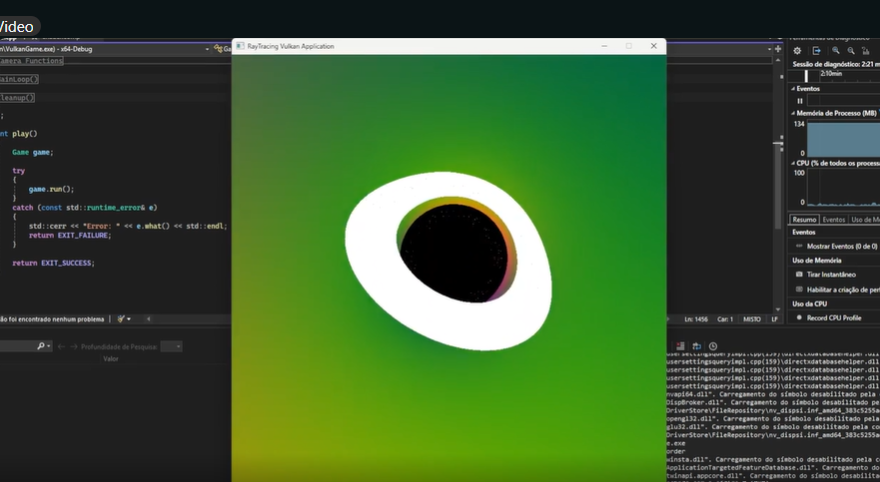
This version used a simple disk function for the accretion disk and simply curved the rays with traditional newton gravity. Obviously extremely unrealistic but hey, its a start, I just needed to make something pretty.
But then I saw this guy who made a black hole using general relativity equations, more precisely he used the schwarzschild metric. I saw that and immediately went:
"wow... that's so cool... me want...."
So I had to make that now.
The "less simple" black hole
With this schwarzschild metric black hole I got a very good starting look for it and I began working on this version for a little while, giving it a simple disk with a gradient color. Because it's probably the most popular way to make this simulation, there were a lot of guides and repositories out there to "inspire" myself from so it wasn't very hard to implement it into my game engine.
But after making this, I saw something amazing. The spin.
spin
SO TURNS OUT, BLACK HOLES SPIN! AND WHEN THEY SPIN, SHIT CHANGES A LOT. Apparently the spinning actually distorts space time. It literally drags the space time around with it (this is called frame dragging), giving it a very unique look.
In absolutely incredibly simple terms, it would make our black hole squished on one side and slightly offset from the center while changing a bit of the look of the whole ring.
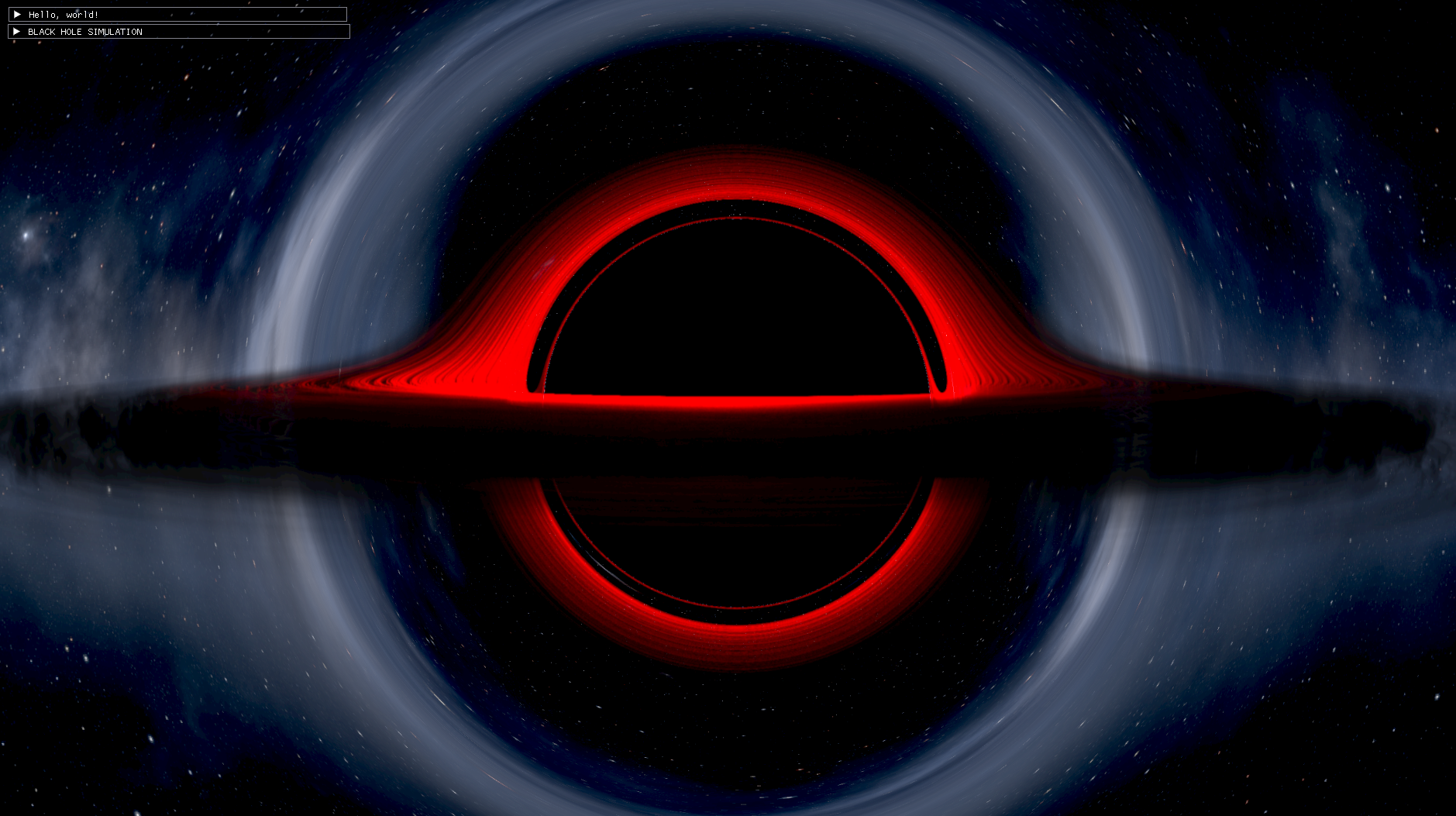
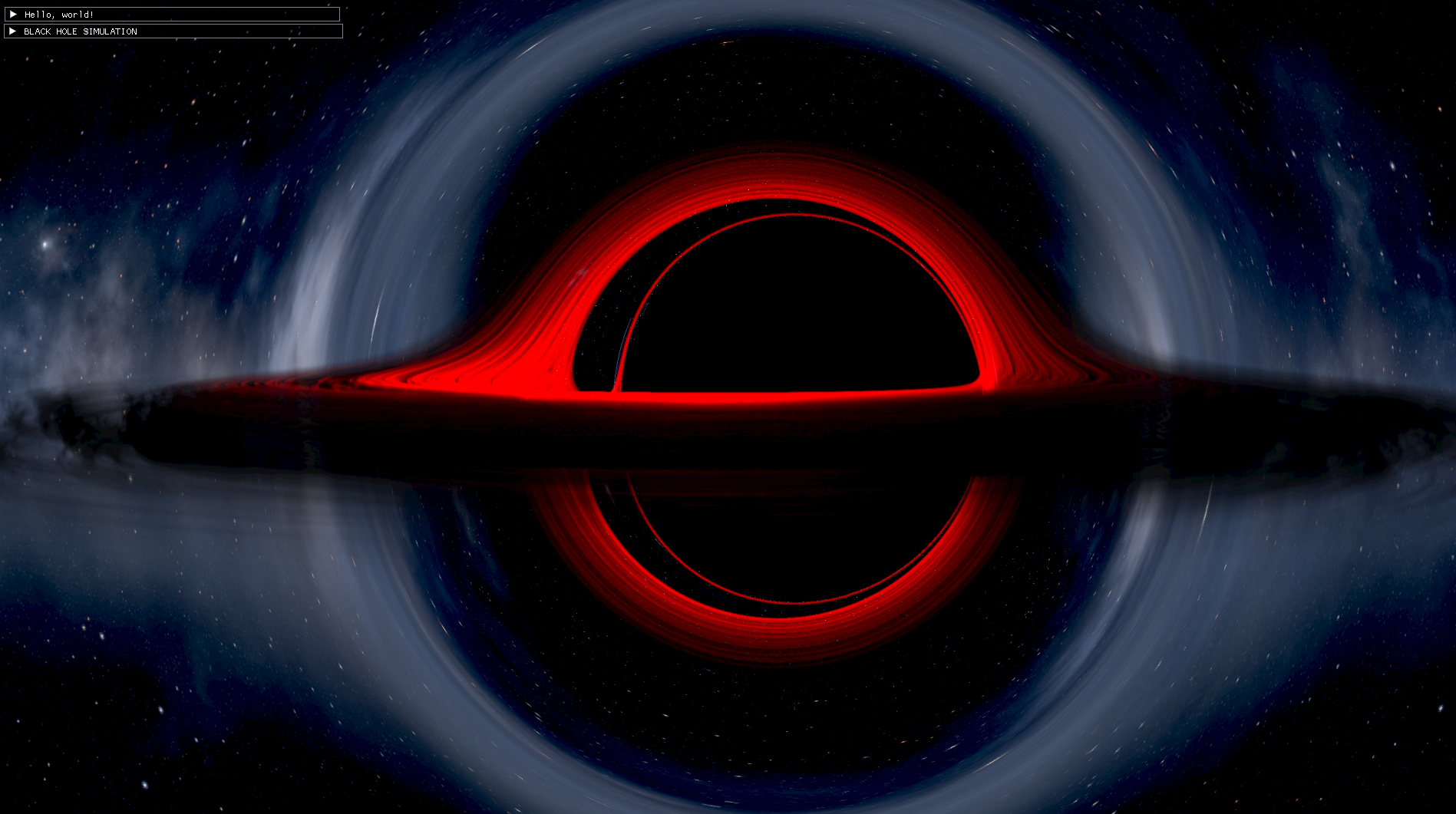
While researching, I found this video of a man who faithfully recreated the simulation they used in Interstellar for their black hole. In that video he had that spinning black hole effect which I thought was AWESOME! Seeing as it is my favorite movie, you know I HAD TO MAKE THAT! I knew after that video that if I wanted to be truly proud of this, I needed to make it and I wouldn't give up until I got it working.
So anyways I narrowed my goal down to a Kerr-Newman black hole, which is a black hole that spins and has an electric charge.
THE KERR-NEWMAN simulation
This black hole now uses the Kerr-Newman metric to calculate the bending of the light which allows me to get beautiful sights of a spinning, charged black hole and even something called a naked singularity. It also renders a volumetric accretion disk to give it that iconic look.
Now that I'm satisfied with the complexity and potential of this black hole though it was time to actually start optimising this for it to not run like poop.
Kerr-newman black holeImage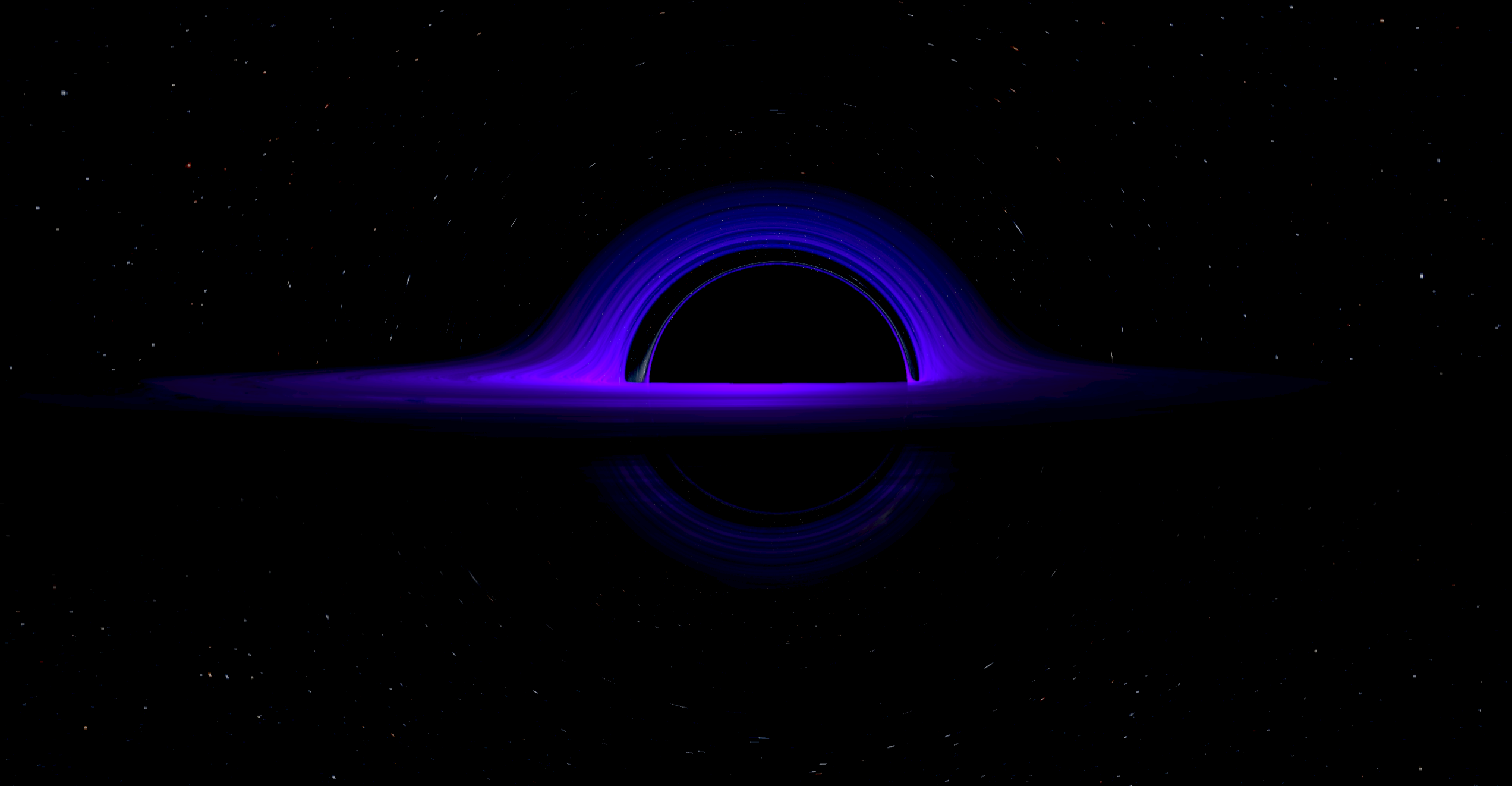
Because of its newfound complexity, it is very expensive to actually fully render a screen where every pixel has to fully simulate the light's path through the black hole. Even though we can't fake the simulation of the light rays, we can for sure optimise everything around it. Here are the few things I tried to make it run as good as it does right now.
- Distance-based step size
Because the gravitational lensing falls off with distance, our rays can take much larger steps the further they are from the black hole, where they bend a lot less, and only take small careful steps when they get close. The one thing to watch out for is the accretion disk: it's thin, so a big step can jump right over it. The step size has to shrink near the disk too, not just near the black hole.
- Variable rate shading / upscaling
So this technique constitutes rendering the screen at different resolutions at different positions, a perfect example is foveated rendering in vr, where you can basically render everything in a lower resolution except the focus point of the user's eyesight.
Since the further we are from the black hole, the less effect it has on the light rays, the lensing changes very smoothly from pixel to pixel out there. So we can save even more performance on the far edges of the black hole by rendering our rays at a lower resolution. However, anything with fine detail in those areas will still get blurrier, which comes at a cost we will see later.
(Quick note: this isn't the hardware "variable rate shading" feature GPUs have, it's my own multi-resolution version of the same idea done in compute shaders.)
I had 2 main ideas :
- We have 1 shader with a huge branch so our 1 shader can render the low resolution and the high resolution in 1 pass. On one hand we avoid overdraw this way, on the other hand, the heavy branching might actually make it worse.
variable rate shading testImage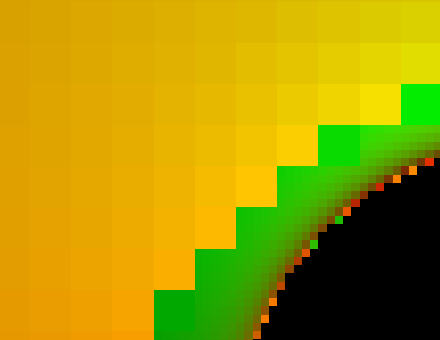
- a 2 pass system where we have a lower resolution pass, afterwards we can draw ontop of the lower resolution at a higher one in our second pass for the spots we need high precision on.
After testing out both techniques it actually turns out the 2 pass system was 20% more performant than the 1 shader which was kind of surprising. My first guess was that the branching was the problem, but after researching maybe it's more about register pressure and/or the sheer amount of wasted threads that don't do anything in the low resolution parts.
Matrix optimisation
When going over the algorithm for the Kerr-Newman metric I deduced the most expensive part was the heavy use of matrix inversion. I initially used the algorithm provided by this beautiful individual in this post : https://michaelmoroz.github.io/TracingGeodesics/
But after some research and conversations with my best friend claude, I found out about the Sherman-Morrison formula. In simple terms it's a math shortcut that lets me calculate the inverse of a matrix after a simple modification, skipping the expensive full matrix inversion math. Fortunately for me, turns out the Kerr-Newman metric (written in Kerr-Schild coordinates) has exactly the structure that this formula can exploit.
So after reducing the matrix usage + swapping to the Sherman-Morrison formula, we actually entered the 60 fps territory at 2K resolution at 100% resolution (the lower pass basically renders full res) on my RX 9070 XT, and without the accretion disk we're actually entering 100-200 fps which is very good to me.
RK4 method
Because our ray is following a curved path, using Euler's method of integration is a very naive approach. Euler only looks at the direction the ray is going at the start of each step and walks in a straight line, so on a curved path the error piles up fast. Around the edge of a black hole we really need that precision so we don't lose the rays that skim the very edges of our black hole's shadow.
We instead use the fourth-order Runge-Kutta method (RK4). The main gist of it consists of sampling 4 intermediate slopes within a single step to get a better understanding of how the curve changes, then combining them. It's still taking steps, but it's far more accurate for the same step size: halve the step and Euler's error roughly halves, while RK4's drops by about 16x. That lets us follow the light's path very closely without needing tiny steps.
Problem : RK4 is expensive as we are evaluating the ray's equations 4x for every step. In the future I would love to implement an adaptive method like RK45, which estimates its own error at every step and picks the step size based on that, instead of my simple distance-based rule.
The accretion disk
Since we already have ray tracing setup it wasn't very hard to add in the volumetric system for my accretion disk. Once I got the hang of the shadows and density function, we had one pretty big issue from our 2 pass upscaling system.
Because we render most of the screen in a lower resolution and then upscale it, anything with fine detail in the low resolution areas gets blurry. This isn't very noticeable for the lensing itself (since it changes so smoothly far from the black hole), but our accretion disk is full of detail and needs to have the same level of precision across the entire disk. Because of this we now have a low quality volumetric disk compared to our high quality picture. I've applied very rudimentary upscaling techniques with some gaussian blur to make the effect less noticeable but I would love to use some sort of upscaling model like FSR, but for the scope of my project I was happy.
Anyways this wasn't really the focus of my project so I didn't spend as much time optimising this. So there's definitely a lot more to be desired on this aspect as this is now the most expensive part to run by far.
The final product
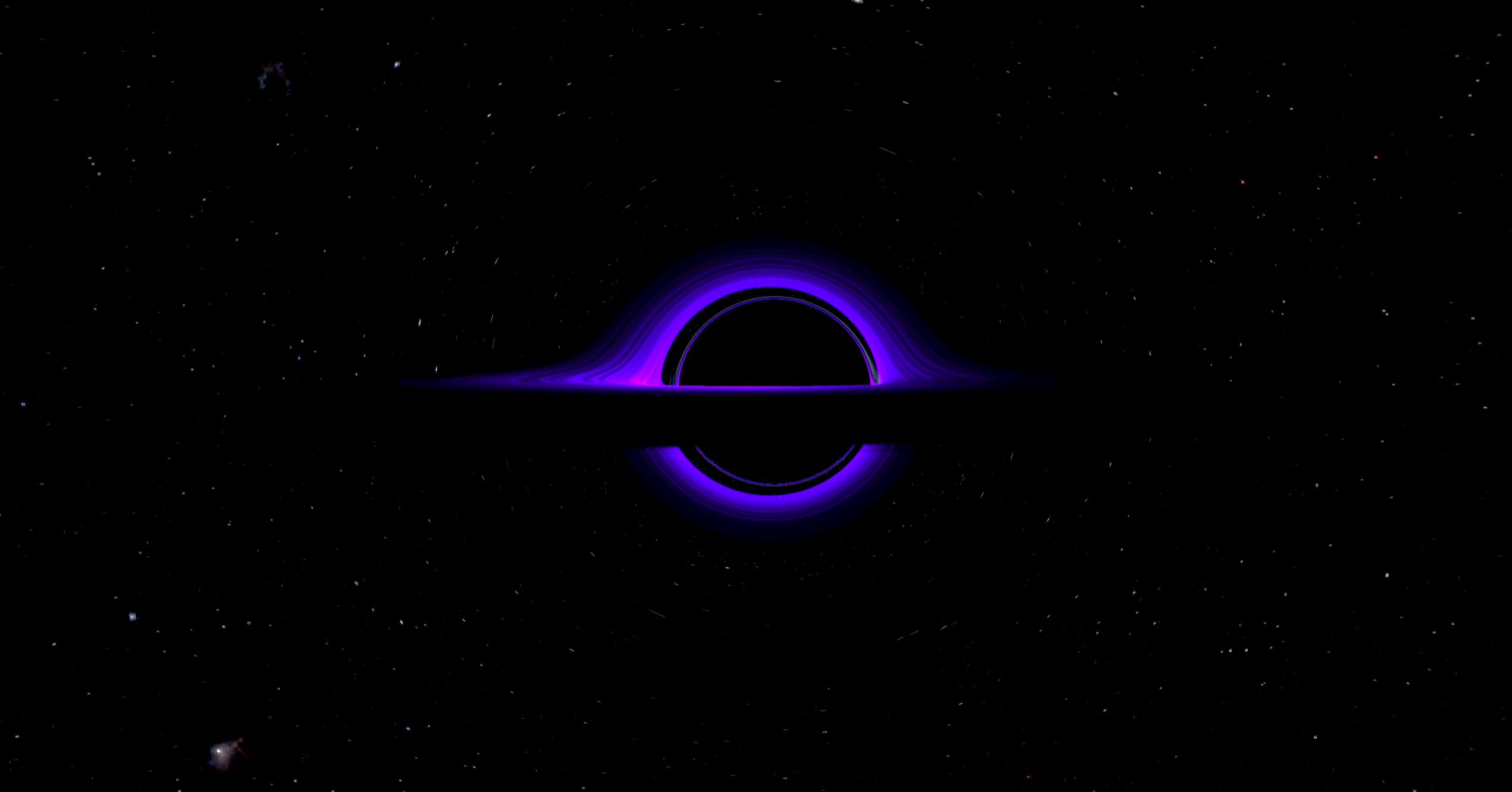
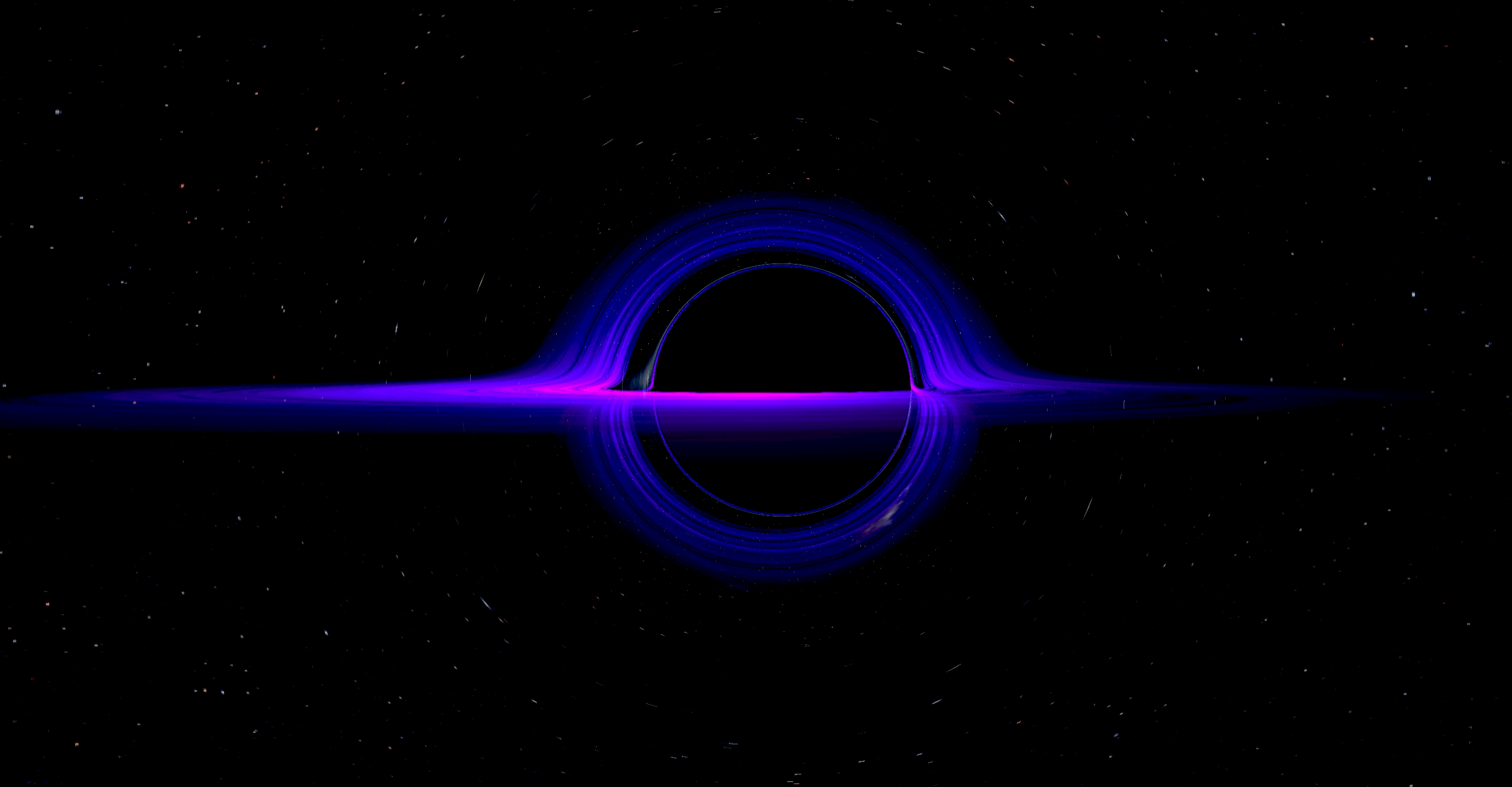
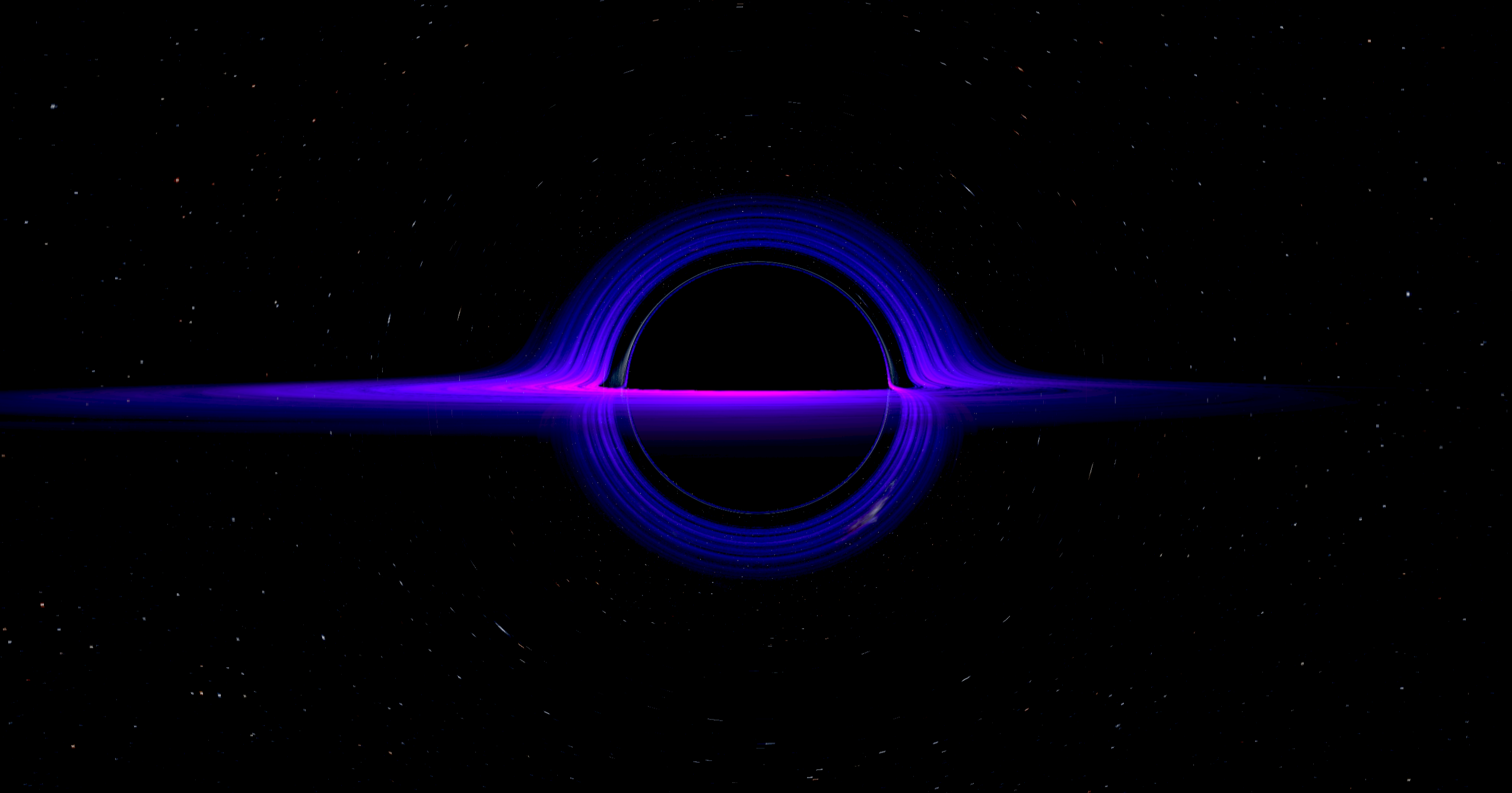
After all this here's a few pictures of what the final product looks like and oh my god am I proud of it :
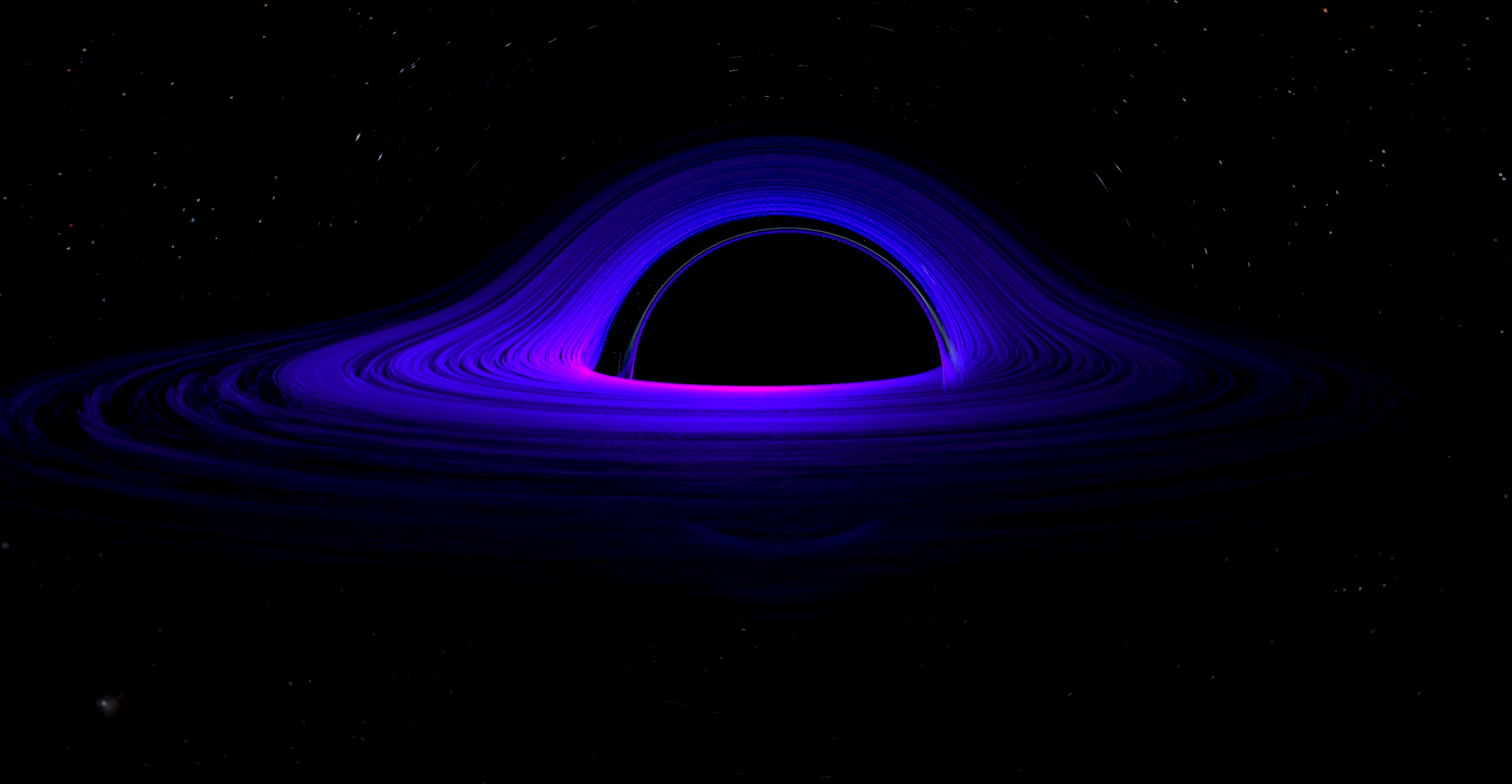
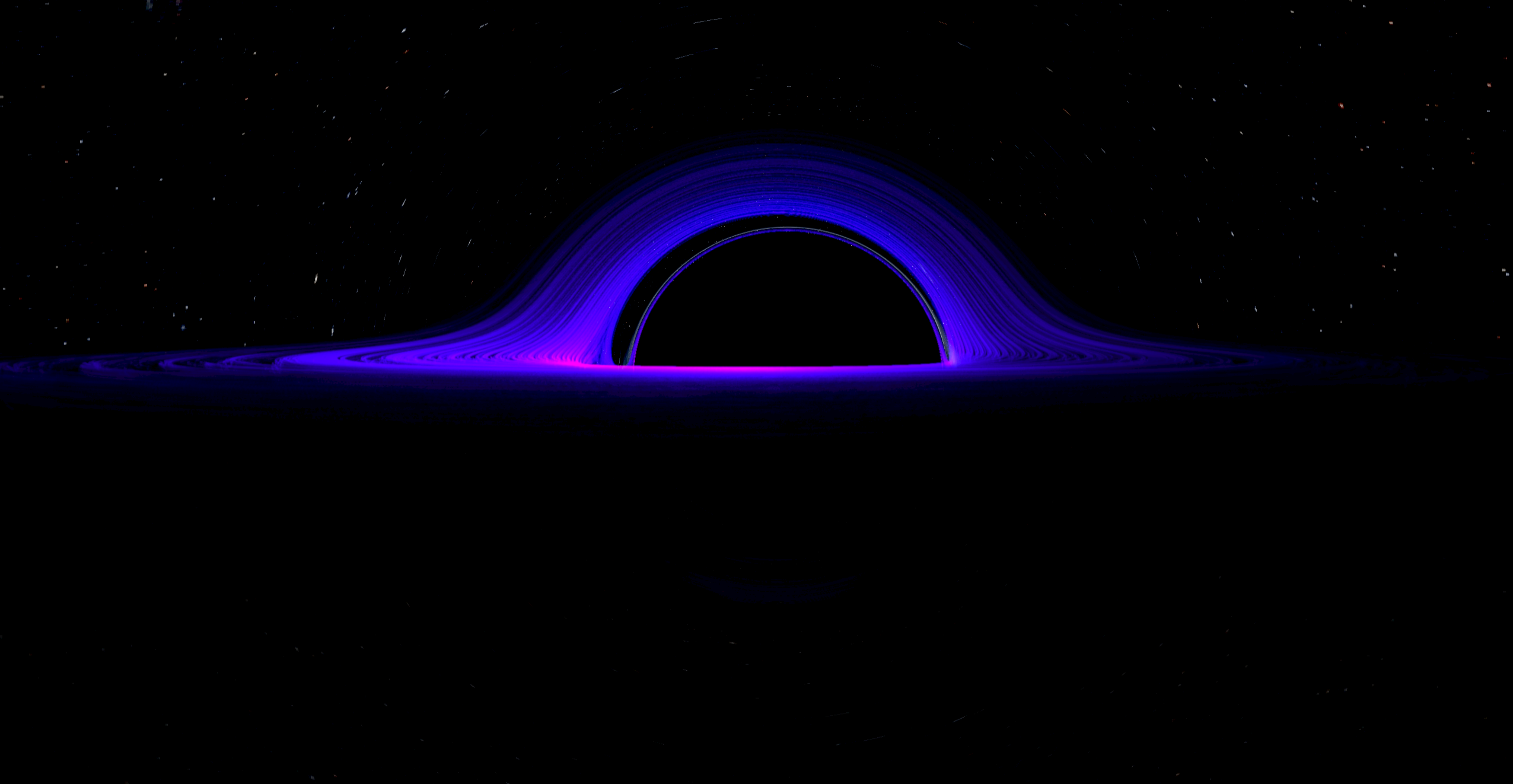
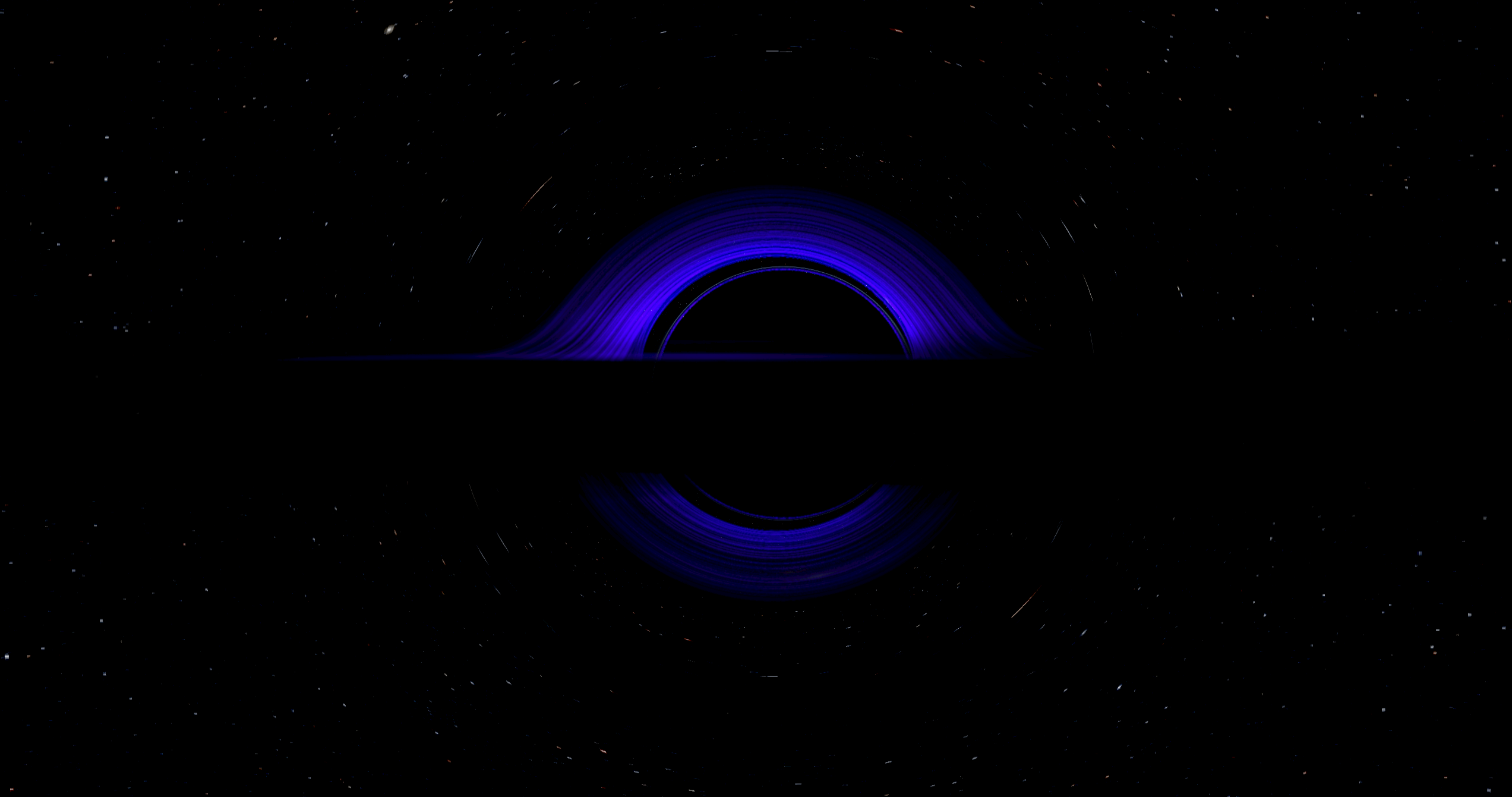
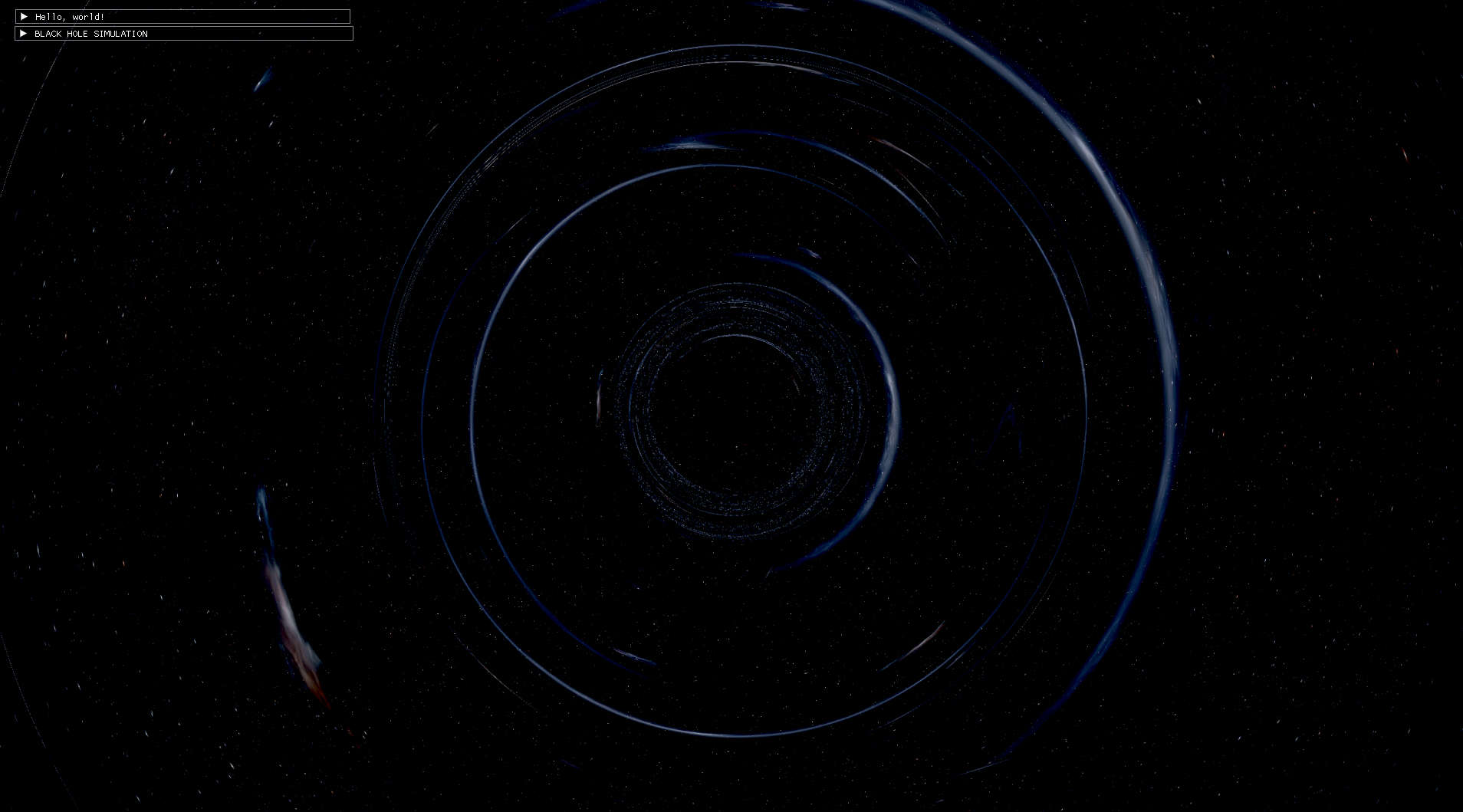
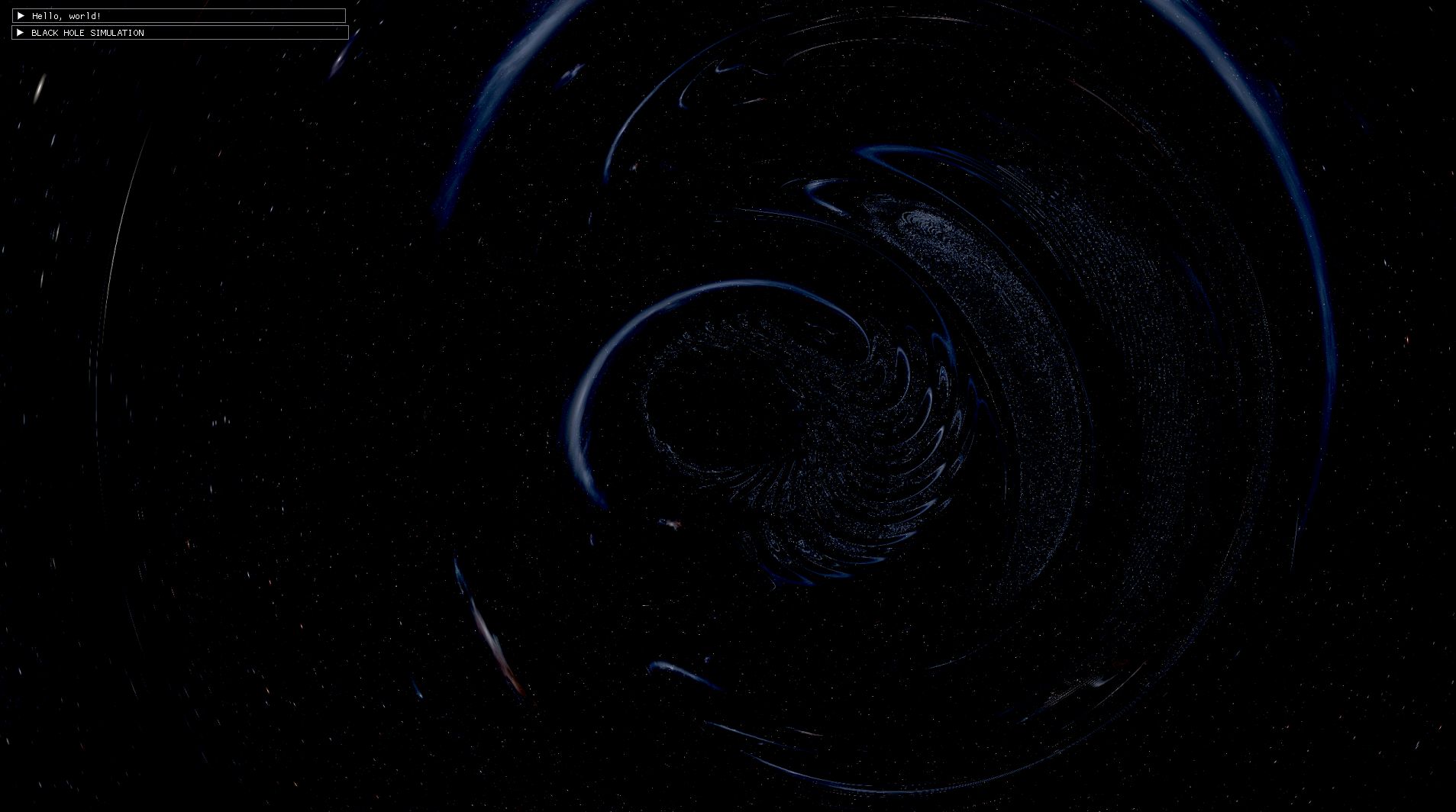
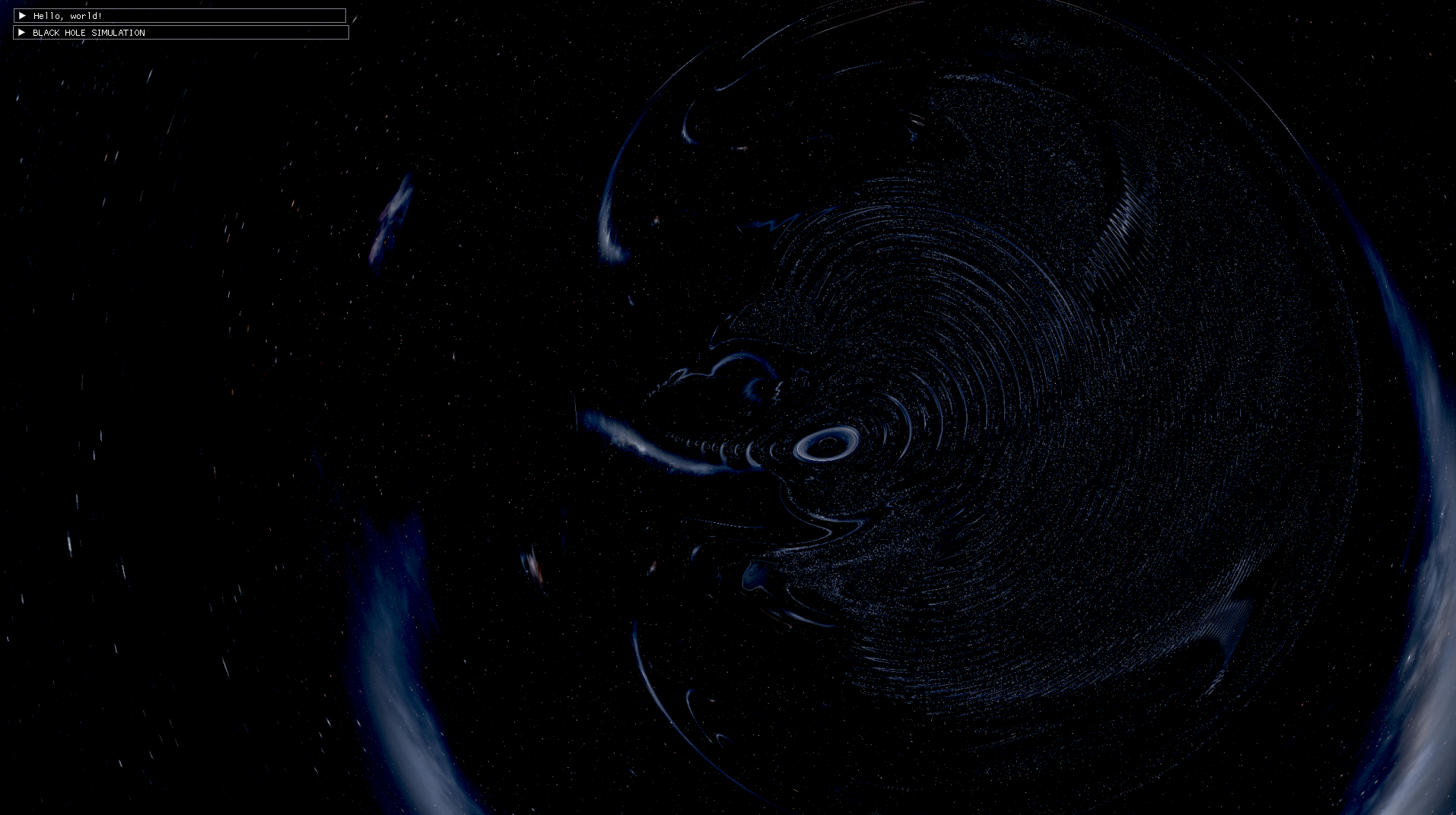
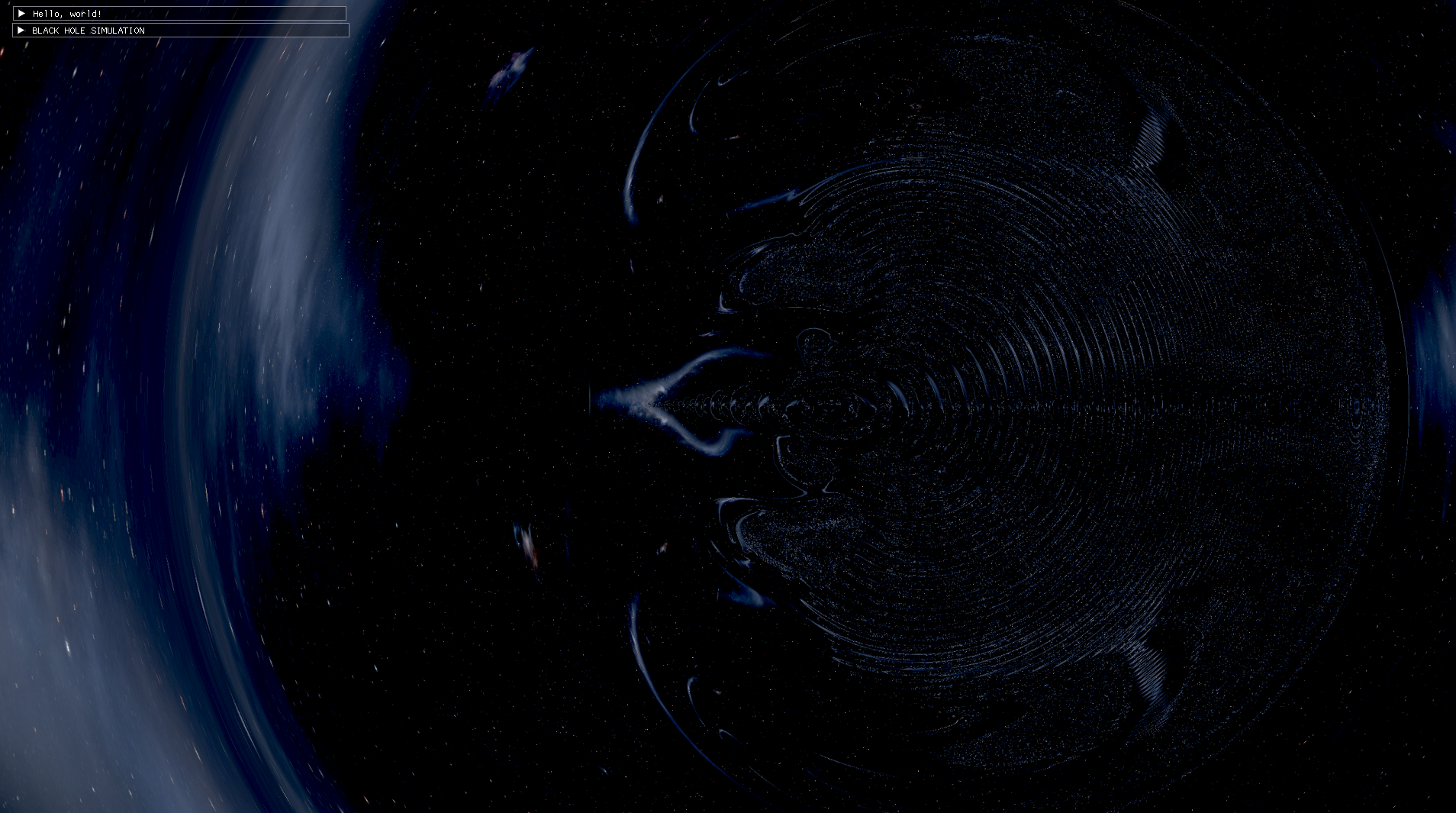
And here is a little visual demonstration of what the naked singularity looks like. The central singularity takes the shape of a ring whenever the spin value is greater than 0, although it is hidden by the event horizon. However once the spin goes over 1, the event horizon disappears and the ring is now "naked" and can be seen.
The future
Well this is what it's currently at, I'm sure I'll come back to this someday but my goal was to make a simulation I could be proud of and I got to that point so I'm pretty satisfied for now. For when I do come back though I'd love to work on these things at least :
- Use an adaptive version of RK4 like RK45.
- Use advanced modern upscaling systems like FSR for the accretion disk.
- Add more post processing effects to my engine like bloom.